
Screenshots
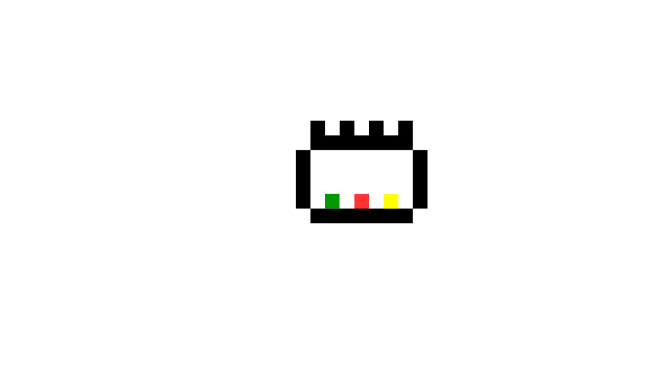
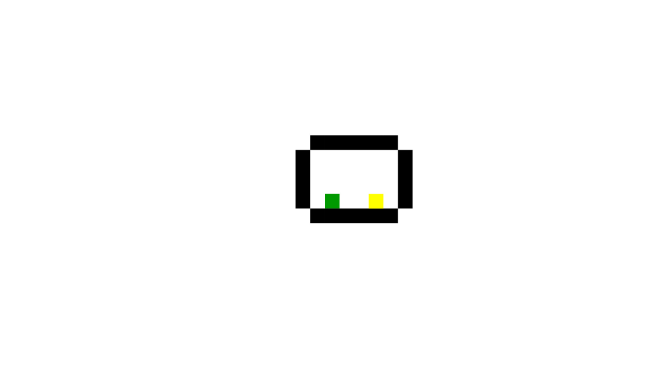
Installation
- Select the Download button at the top of the page to open UploadHaven.
- On UploadHaven, wait for any countdown, then select Free Download. An UploadHaven Pro account is optional for faster downloads.
- When the 88.82 MB archive finishes downloading, extract it to a stepbystep folder using 7-Zip.
- Open the extracted folder and start the game normally. For errors, check the Setup Guide & Troubleshooting section and keep your security software enabled.
System Requirements
- OS: Windows
- Storage: 88.82 MB available space
- License: Free
Setup Guide & Troubleshooting
Is stepbystep completely free?
Yes. The listing provides stepbystep as a free download under a Free license, with a file size of 88.82 MB for Windows.
How do I install stepbystep?
Select the Download button to open UploadHaven, wait for any countdown, then choose Free Download. Extract the archive to a stepbystep folder using 7-Zip, open the folder, and start the game normally.
What are the system requirements for stepbystep?
The listed requirements are Windows 7 or newer, an Intel Ivy Bridge processor or better, 512 MB of RAM, HD Graphics 4000 or better, and 100 MB of available storage.
How long does stepbystep take to finish?
The campaign runs around two hours for most players across more than 40 levels, though experienced logic-puzzle fans and speedrunners can clear it faster once they recognize the intended patterns.
What should I do if the downloaded file is corrupted?
Make sure the full 88.82 MB archive finished downloading before extracting. Use 7-Zip to extract the files. If you still see a file corrupted error, re-download and try again.
My antivirus is blocking the game — is it safe?
A warning needs to be investigated; the download source alone cannot confirm that a file is safe. Keep your security software enabled and review the detection details. Do not run or restore a flagged file unless you have verified it is a false positive. If you are unsure, leave it quarantined.