
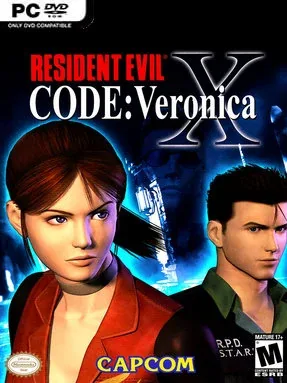
Screenshots
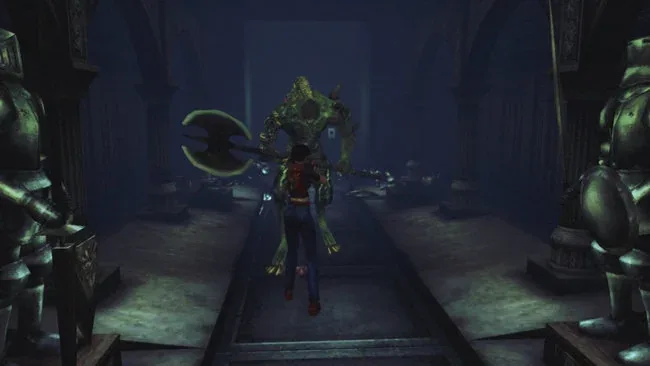
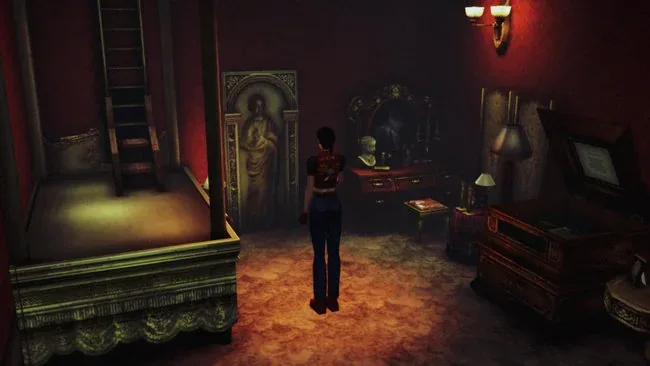
Installation
- Select the Download button at the top of this page to open UploadHaven.
- Wait for any countdown on UploadHaven, then select Free Download. An optional Pro account is available for faster speeds.
- When the full 11.45 GB download completes, extract it to a Resident Evil Code: Veronica X HD folder using 7-Zip.
- Open the extracted folder and start the game normally. Use 'Open Code Veronica Settings.bat' to adjust resolution, fullscreen, and frame rate.
- For missing DLL or launch errors, install the DirectX and Visual C++ runtimes from the _Redist folder and update your GPU drivers.
System Requirements
- OS: Windows 10 / 11 (64-bit)
- Processor: Intel Core i5-11400 or AMD Ryzen 5 5600
- Memory: 16 GB RAM
- Graphics: NVIDIA GeForce RTX 2060 SUPER (8 GB) or AMD Radeon RX 6600 (8 GB)
- DirectX: Version 12
- Storage: 15 GB available space; SSD recommended
- Additional Notes: Keyboard or compatible controller supported. HD textures and 60 FPS are enabled by default. Press F9 to toggle HD textures. Use 'Open Code Veronica Settings.bat' to adjust resolution, fullscreen and frame rate. If performance is slow, select 30 FPS (Original). Initial shader compilation may cause temporary stuttering.
Setup Guide & Troubleshooting
Is Resident Evil Code: Veronica X HD free to download?
Yes. This listing provides the pre-installed HD package at no cost, with a file size of 11.45 GB for Windows 10/11 (64-bit).
How do I install Resident Evil Code: Veronica X HD?
Click the download button to open UploadHaven, wait out any countdown, and select Free Download. Once the full 11.45 GB archive finishes, extract it with 7-Zip into a folder named for the game and launch it from inside that folder. There is no separate setup wizard.
What are the system requirements?
You need Windows 10 or 11 (64-bit), an Intel Core i5-11400 or AMD Ryzen 5 5600, 16 GB RAM, an NVIDIA RTX 2060 SUPER (8 GB) or AMD RX 6600 (8 GB), DirectX 12, and 15 GB of free storage with an SSD recommended.
Why does the game stutter when I first launch it?
Initial shader compilation can cause temporary stuttering. If performance stays slow, open 'Open Code Veronica Settings.bat' to lower resolution or frame rate, or select 30 FPS (Original).
How do I fix missing DLL errors?
Open the _Redist or _CommonRedist folder inside the game directory and install the included DirectX and Visual C++ Redistributable packages.
Is the download safe?
No download source can confirm a file is clean on its own. Keep your antivirus enabled, review any detection details, and leave a flagged file quarantined unless you have verified it is a false positive.