

Game Overview
A small gift shop becomes a surprisingly satisfying workplace in this cozy management sim, where every colorful scoop of gems and neatly packed parcel matters. The mood stays gentle and inviting rather than stressful, but customer requests steadily introduce enough detail to keep the routine engaging. Letters reveal what regulars want, including color preferences, and turning vague requests into thoughtful presents gives each order a personal touch. Its compact neighborhood setting and customizable tools make the shop feel like a place worth settling into.
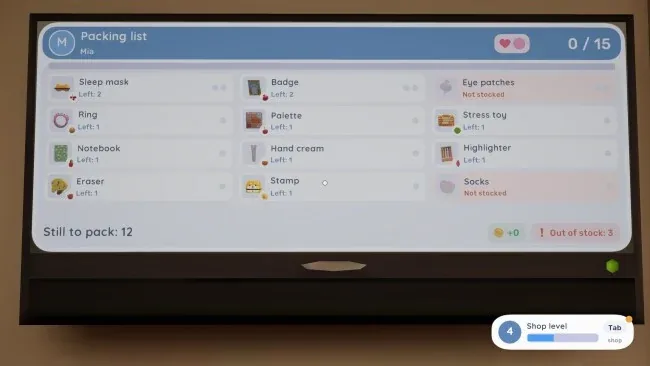
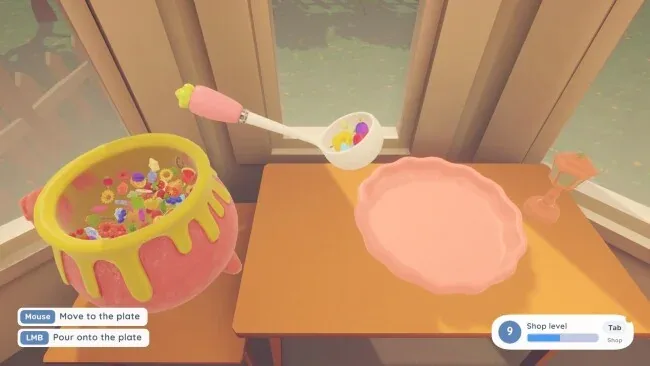
Work begins by reading an order, collecting the appropriate gems with a spoon, and selecting items that best suit the customer. Packing then becomes the main puzzle: gifts must be rotated and positioned inside a three-dimensional box grid, often across several layers, with efficient arrangements earning better rewards. Money and experience feed directly back into the business through larger storage capacity, improved carrying ability, and further unlocks that make busy days easier to handle. Inventory also needs attention, as supplies must be ordered, received from deliveries, unpacked, and kept available before the next wave of requests arrives.
Lucky Scoop stands out by combining the tactile appeal of organizing a tiny store with spatial puzzles closer to a relaxed version of Tetris or packing-focused games such as Unpacking. Rather than relying on timers or aggressive failure states, it finds challenge in observation, planning, and making limited box space work cleanly. Cosmetic options for equipment add a little personality, while increasingly particular customers provide a natural reason to refine the shop’s workflow. Players who enjoy calm task-based simulators, light inventory management, and orderly puzzle solving should find plenty to like, especially if they prefer a soothing alternative to more demanding shop-management games.
Screenshots
Installation
- Select the <strong>Download</strong> button at the top of this page to open UploadHaven.
- On UploadHaven, wait for any countdown, then select <strong>Free Download</strong>. Optional: UploadHaven Pro for faster downloads.
- When complete, extract the archive to a <strong>Lucky Scoop</strong> folder using 7-Zip.
- Open the extracted folder and start the game normally.
- For errors, check <strong>Setup Guide & Troubleshooting</strong> below. Keep your security software enabled.
System Requirements
- Requires a 64-bit processor and operating system
- OS: Windows 10 64-bit
- Processor: Intel Core i3-6100 / AMD Ryzen 3 1200
- Memory: 8 GB RAM
- Graphics: NVIDIA GeForce GTX 750 Ti (2 GB) / AMD Radeon RX 460 / Intel Iris Xe
- DirectX: Version 11
- Storage: 2 GB available space