
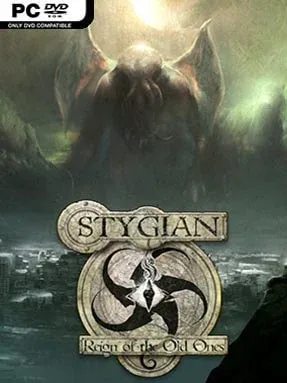
Stygian: Reign Of The Old Ones System Requirements & Compatibility – Windows 10/11 PC & macOS Desktop (2026)
1.83 GB
Game Overview
Installation
- Click the green button below to be redirected to UploadHaven.
- Wait 15 seconds, then hit “Free Download.” (Free downloads may be slower — upgrade to UploadHaven Pro for faster speeds.)
- Once downloaded, right-click the .zip file and choose “Extract to Stygian: Reign Of The Old Ones.” (You’ll need 7-Zip for this.)
- Open the extracted folder and run the game as administrator.
- Enjoy! 🎮 If you see missing DLL errors, check the <strong>_Redist</strong> folder inside and install what’s needed.
System Requirements
- OS: Windows
- Storage: 1.83 GB available space
- License: Free
Setup Guide & Troubleshooting
What are the desktop system requirements for Stygian: Reign Of The Old Ones (17)?
Stygian: Reign Of The Old Ones (17) requires a 64-bit desktop operating system (Windows 10/11 or macOS Sonoma/Sequoia), a quad-core CPU (Intel Core i5 / Ryzen 5 / Apple Silicon M1+), and at least 8 GB RAM.
How do I install Stygian: Reign Of The Old Ones (17) without errors?
Extract the downloaded archive using 7-Zip, WinRAR, or Keka into a clean directory, whitelist the folder in Windows Security (or clear macOS quarantine via xattr -cr), and run the executable.
Will updating Stygian: Reign Of The Old Ones to 17 keep my existing settings and saves?
Yes, user profiles, presets, and save files are stored in your local AppData or ~/Library/Application Support directory and remain intact when upgrading to 17.
Need more help? Browse our FAQ & Troubleshooting Guide for solutions to common issues.