
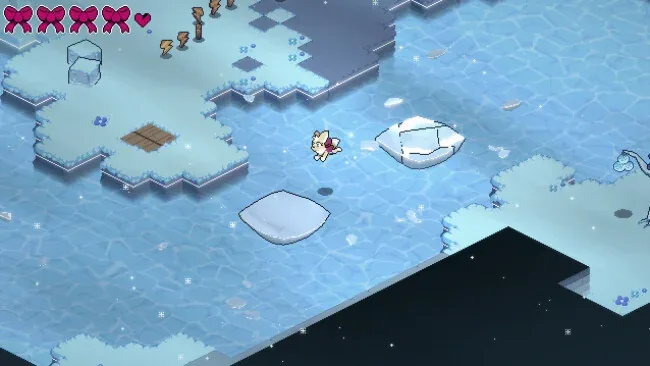
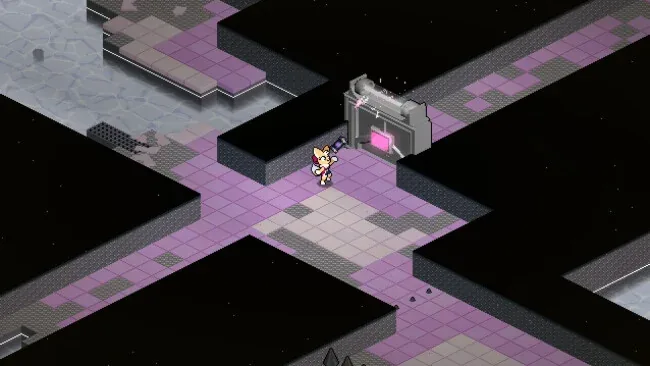
Screenshots
Installation
- Select the <strong>Download</strong> button at the top of this page to open UploadHaven.
- On UploadHaven, wait for any countdown, then select <strong>Free Download</strong>. Optional: UploadHaven Pro for faster downloads.
- When complete, extract the archive to a <strong>Solar Voltage</strong> folder using 7-Zip.
- Open the extracted folder and start the game normally.
- For errors, check <strong>Setup Guide & Troubleshooting</strong> below. Keep your security software enabled.
System Requirements
- OS: Windows 10
- Memory: 2 GB RAM
- DirectX: Version 10
- Storage: 250 MB available space
- Sound Card:
- VR Support:
- Additional Notes:
Setup Guide & Troubleshooting
Is Solar Voltage (v1.0.3) completely free?
Yes. The listing is offered under a free license at a file size of 171.09 MB, published by SteamUnlocked for Windows.
How do I install Solar Voltage (v1.0.3)?
Select the Download button to open UploadHaven, wait for any countdown, choose Free Download, then extract the archive to a Solar Voltage folder using 7-Zip. Open the extracted folder and start the game normally.
What are the system requirements for Solar Voltage?
The listed requirements are Windows 10, 2 GB RAM, DirectX Version 10, and 250 MB of available storage space.
What kind of game is Solar Voltage?
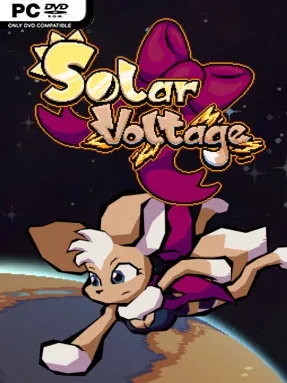
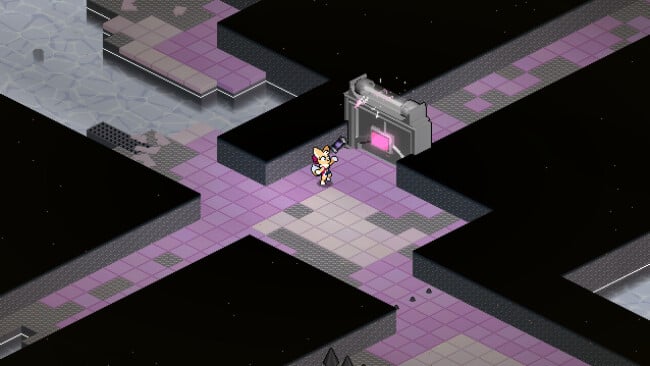
It's an isometric platformer with retro sci-fi pixel art. You play as mechanic Volt, using rolling, spinning, and hovering moves to solve environmental puzzles and rescue scattered crewmates.
Does Solar Voltage support speedrunning?
Yes. Optional optimization gives experienced players room to chase faster completion times, while the core levels remain approachable for newcomers.