
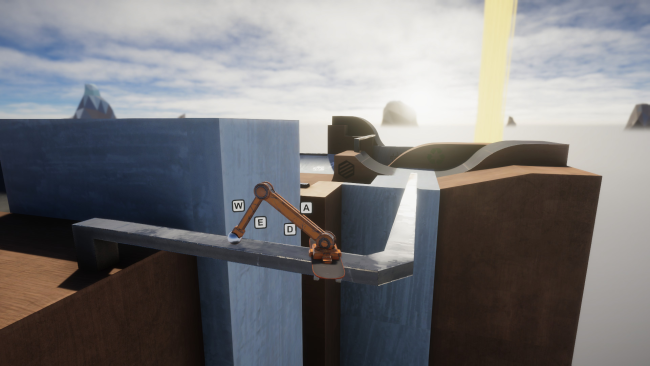
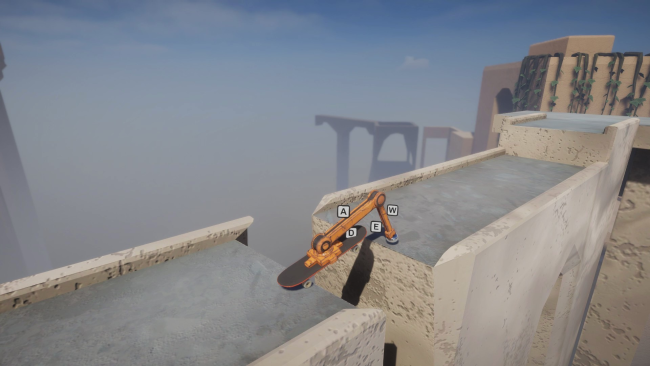
Screenshots
Installation
- Click the green Download button on this page to open UploadHaven. Wait for any countdown, then select Free Download. The full archive is 1.55 GB.
- Once the download completes, extract the archive to a folder named RoboSkate using 7-Zip.
- Open the extracted folder and launch the game normally. No administrator access is usually required.
- If you see missing DLL errors, open the _Redist or _CommonRedist folder inside the game directory and install DirectX, Vcredist, and any other included dependencies.
System Requirements
- OS: Windows XP/Vista/7/8/8.1/10 x86 and x64
- Processor: Intel i3-4570T or equivalent
- Memory: 1 GB RAM
- Graphics: Intel UHD Graphics 630 or equivalent
- Storage: 4 GB available space
- Sound Card: yes
- Additional Notes: This should run on "potato" graphics settings
Setup Guide & Troubleshooting
Is RoboSkate completely free?
Yes, RoboSkate is listed as a free download on our site. The license type is Free, and the file size is 1.55 GB.
How do I install RoboSkate?
Download the 1.55 GB archive from the button above, extract it to a folder named RoboSkate using 7-Zip, then open the extracted folder and start the game normally. If you see missing DLL errors, install the dependencies from the _Redist or _CommonRedist folder.
What are the system requirements for RoboSkate?
You need Windows XP/Vista/7/8/8.1/10, an Intel i3-4570T or equivalent processor, 1 GB RAM, Intel UHD Graphics 630 or equivalent, 4 GB available storage, and a sound card. The game runs on potato graphics settings.
Does RoboSkate support multiplayer?
Yes, it supports local split-screen for up to four players. There is no online multiplayer mode.
Is RoboSkate safe to download?
We do not claim malware scanning or a 100% clean status because that evidence is not provided in the source data. Keep your security software enabled and review any detection details. Do not restore a flagged file unless you have verified it is a false positive.