
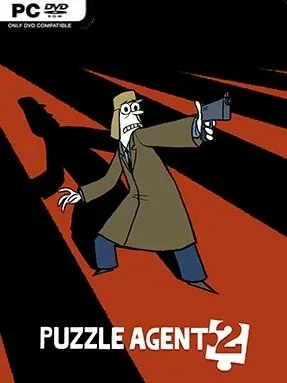
Puzzle Agent 2 Cover Art

Puzzle Agent 2

PUZZLE 319.85 MB

Game Overview

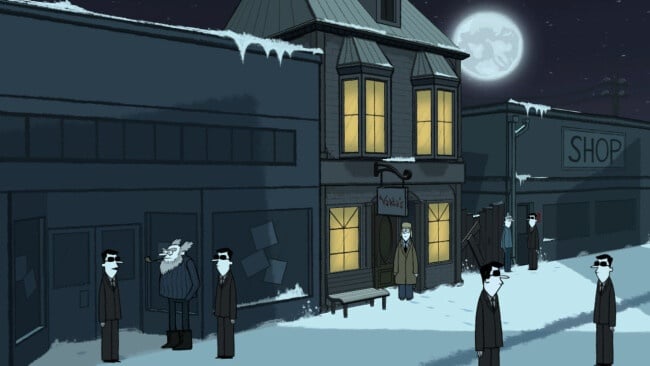
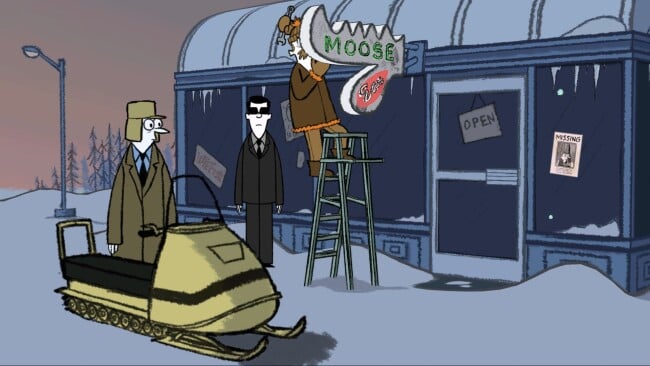
A missing factory foreman, a town plagued by nervous whispers, and the return of its unnerving little creatures pull FBI puzzle specialist Nelson Tethers back to Scoggins, Minnesota. Puzzle Agent 2 continues the strange conspiracy of its predecessor with more deadpan humor, handmade-looking art, and a creeping sense that something is deeply wrong beneath the town’s snowbound surface. The mood lands somewhere between a quirky animated mystery and a low-key psychological horror story, making every friendly conversation feel faintly suspicious. Tethers remains an endearing lead: brilliant with logic problems, painfully awkward with people, and increasingly unwilling to accept an official cover-up.

Most of the playtime revolves around talking to Scoggins residents, examining clues, and solving frequent standalone logic puzzles that block the path forward. Challenges range from number patterns and spatial reasoning to wordplay, matching tasks, and visual deduction, generally presented as notes, diagrams, or improvised FBI brainteasers. Puzzle-solving earns chewing gum, which functions as a hint currency when a solution proves too stubborn, while the story moves in a largely linear direction without demanding fast reflexes or combat skill. The sequel expects players to remember some events from the first game, though its immediate objective and cast are easy enough to follow once the investigation gets rolling.

Grickle creator Graham Annable’s scratchy, storybook visuals give the adventure a distinctive identity, with crooked characters and barren winter landscapes that are both amusing and unsettling. Rather than building a dense detective simulation, it delivers a compact narrative adventure where the puzzles provide pacing between revelations about Scoggins and its bizarre folklore. Some brainteasers can feel more arbitrary than clever, and players wanting meaningful choices or elaborate exploration may find the structure limited, but the writing and atmosphere carry it through. Fans of Professor Layton-style puzzles, Telltale’s older adventure games, and offbeat mysteries will find a short, memorable follow-up that especially rewards anyone who enjoyed the first Puzzle Agent.

Installation

  1. Click the green button below to be redirected to UploadHaven.
  2. Wait 15 seconds, then hit “Free Download.” (Free downloads may be slower — upgrade to UploadHaven Pro for faster speeds.)
  3. Once downloaded, right-click the .zip file and choose “Extract to Puzzle Agent 2.” (You’ll need 7-Zip for this.)
  4. Open the extracted folder and run the game as administrator.
  5. Enjoy! 🎮 If you see missing DLL errors, check the <strong>_Redist</strong> folder inside and install what’s needed.

System Requirements

  • OS: Windows
  • Storage: 319.85 MB available space
  • License: Free

Setup Guide & Troubleshooting

How do I fix missing DLL errors for Puzzle Agent 2?

After extracting Puzzle Agent 2, navigate to the _Redist or _CommonRedist folder inside the game directory and install DirectX, Vcredist, and any other dependencies included.

What should I do if the downloaded file is corrupted?

The full archive is 319.85 MB — make sure your download completed fully before extracting. Use 7-Zip to extract the files. If you still see a "file corrupted" error, re-download and try again.

Why should I run the game as administrator?

Right-click the game executable and select "Run as Administrator" to avoid save file issues and permission errors. This is especially important on the first launch.

How do I update my GPU drivers for this game?

Update your NVIDIA or AMD drivers to the latest version for the best performance and compatibility.

The game won't launch — what should I try?

Try running in compatibility mode, install the latest DirectX runtime, or install the All-in-One VC Redist Package.

My antivirus is blocking the game — is it safe?

Antivirus false positives are common with pre-installed games. Temporarily pause your antivirus during extraction to prevent it from quarantining game files. You can re-enable it after the extraction completes.

Need more help? Browse our FAQ & Troubleshooting Guide for solutions to common issues.
Looking for something else? Explore all games on Steam Unlocked