
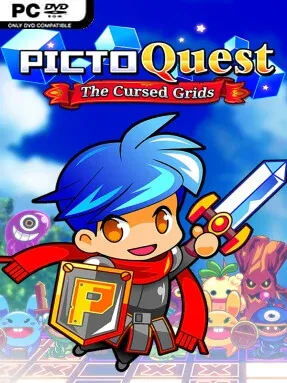
Game Overview
PictoQuest is a Puzzle game for Windows. This tested release features Latest Release with an estimated download size of 244.44 MB. Pre-installed, DRM-free, verified clean, and ready to play offline with full gamepad support.
A bright fantasy adventure turns the humble nonogram into a surprisingly tense RPG puzzle crawl. Pictoria’s legendary paintings vanish, leaving two young heroes to reclaim them from the mischievous wizard Moonface and the creatures standing in their way. Its cheerful cartoon presentation, animated monsters, and colorful maps keep the mood light, but every incorrect deduction carries a real consequence. Rather than simply completing grids at leisure, players solve under pressure while protecting their party’s health.
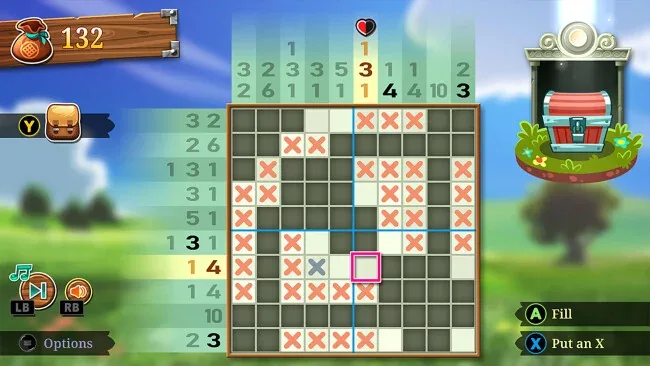
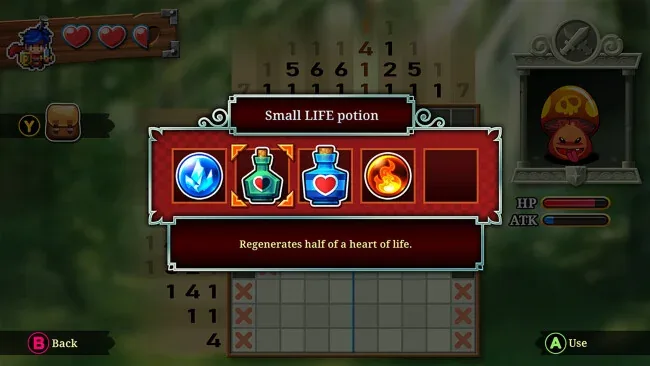
Each encounter centers on a picture-cross puzzle: numbers around the edges indicate which squares must be filled, and careful logic gradually reveals an image hidden in the grid. Correct moves damage the enemy, while mistakes allow it to strike back, sometimes with punishing critical hits that can turn a nearly solved board into a defeat. Larger puzzles, tougher opponents, and boss fights steadily raise the stakes, asking players to balance confidence with caution instead of blindly guessing. Gold earned along the way pays for useful magical items in shops, providing healing, hints, and other safety nets when a particularly tricky board stalls progress.
The clever fusion of Picross-style deduction and turn-based combat gives every row and column more weight than it has in most puzzle games. A world map provides a clear sense of forward momentum, while villagers offer optional requests that add extra grids and reasons to revisit earlier areas. Its difficulty works well for newcomers because the rules are straightforward, yet experienced nonogram fans still get satisfying late-game challenges and the pressure of combat consequences. Anyone who enjoys Picross, Puzzle Quest, or relaxed RPG progression with a sharper tactical edge will find an engaging, compact adventure here.
Screenshots
Installation
- Select the <strong>Download</strong> button at the top of this page to open UploadHaven.
- On UploadHaven, wait for any countdown, then select <strong>Free Download</strong>. Optional: UploadHaven Pro for faster downloads.
- When complete, extract the archive to a <strong>PictoQuest</strong> folder using 7-Zip.
- Open the extracted folder and start the game normally.
- For errors, check <strong>Setup Guide & Troubleshooting</strong> below. Keep your security software enabled.
System Requirements
- OS *: Windows 7 SP1+ / Windows 8 / Windows 10
- Processor: 2 Ghz Dual Core or better with SSE2 support
- Memory: 500 MB RAM
- Graphics: Graphics card with DX10 (shader model 4.0) capabilities
- DirectX: Version 10
Setup Guide & Troubleshooting
Is PictoQuest (Latest Full Build) free to download on Steam Unlocked?
Yes, PictoQuest (Latest Full Build) is available as a full-version direct download on Steam Unlocked with verified mirror links and complete release files.
How do I install PictoQuest without errors?
Download the complete archive from the mirror links, extract using 7-Zip or WinRAR into a path without special characters, install any required runtime redistributables, and launch the main executable.
Does this release of PictoQuest include the latest updates?
This listing provides build Latest Full Build of PictoQuest, tested for offline play and compatibility with modern operating systems and emulators.
What should I do if PictoQuest crashes on startup?
Verify that your GPU drivers and Visual C++ / DirectX runtimes are updated, run the executable as administrator, and ensure your antivirus did not block any extracted game files.