

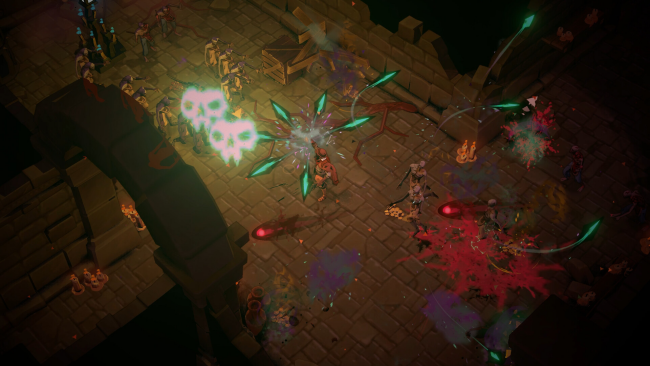
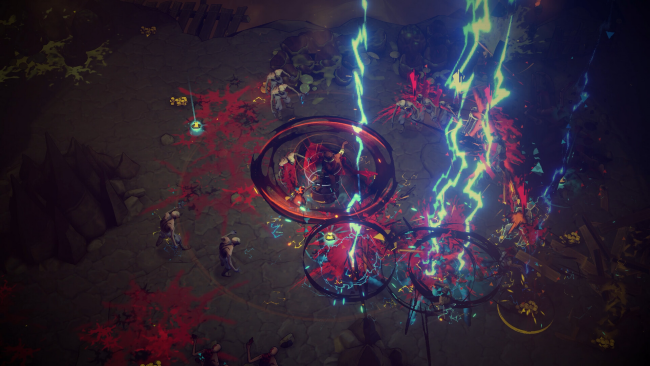
Screenshots
Installation
- Select the <strong>Download</strong> button at the top of this page to open UploadHaven.
- On UploadHaven, wait for any countdown, then select <strong>Free Download</strong>. Optional: UploadHaven Pro for faster downloads.
- When complete, extract the archive to a <strong>Hell Clock</strong> folder using 7-Zip.
- Open the extracted folder and start the game normally.
- For errors, check <strong>Setup Guide & Troubleshooting</strong> below. Keep your security software enabled.
System Requirements
- OS: Windows 10
- Processor: Intel Core i5 2500 or AMD FX-4350
- Memory: 8 GB RAM
- Graphics: nVidia GTX 1060 / AMD RX 580 with 6GB of VRAM
- DirectX: Version 11
- Storage: 2 GB available space
Setup Guide & Troubleshooting
Is Hell Clock completely free to download?
Yes, this listing offers Hell Clock (v2.0.3.0 & ALL DLC) as a free download through the provided link. The package is 1.36 GB and includes all DLC.
How do I install Hell Clock?
Click the download button to open UploadHaven, wait for the countdown, and select Free Download. Once complete, extract the archive to a Hell Clock folder with 7-Zip and start the game from the extracted folder.
What version of Hell Clock does this include?
This is version 2.0.3.0 with all DLC included, last updated August 7, 2026.
Does Hell Clock run on Windows 10?
Yes. It requires Windows 10, an Intel Core i5 2500 or AMD FX-4350, 8 GB RAM, and a GTX 1060 or RX 580 with 6GB VRAM.
Can I play Hell Clock without the timer?
Yes. Relaxed Mode removes the constant timer so you can focus on the story and buildcraft at your own pace.
Need more help? Browse our FAQ & Troubleshooting Guide for solutions to common issues.