
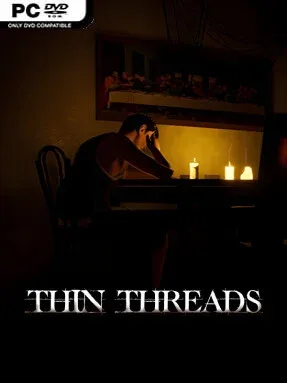
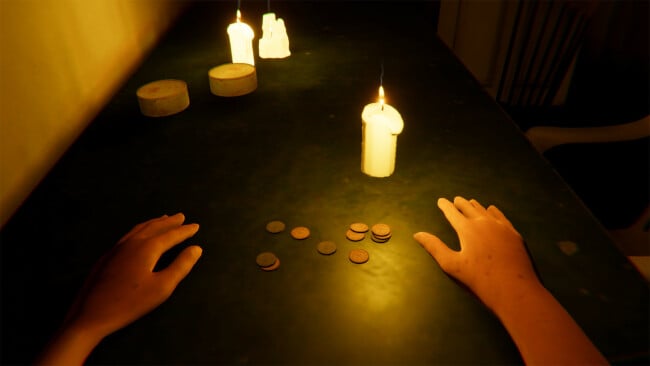
Screenshots

Installation
- Click the Download button at the top of this page to open UploadHaven, wait for any countdown, then select Free Download.
- When the 0.99 GB archive finishes downloading, extract it to a Thin Threads folder using 7-Zip.
- Open the extracted folder and start the game normally.
- If you see missing DLL errors, check the _Redist or _CommonRedist folder inside the game directory and install the included DirectX and Vcredist dependencies.
System Requirements
- OS: Windows
- Storage: 0.99 GB available space
- License: Free
Setup Guide & Troubleshooting
Is Thin Threads completely free?
Yes. The license type listed for this release is Free, and the download is available through the link on this page.
How do I install Thin Threads?
Select the Download button to open UploadHaven, wait for any countdown, then choose Free Download. Extract the 0.99 GB archive to a folder using 7-Zip and start the game normally from the extracted folder.
How long does Thin Threads take to beat?
Roughly 30 to 50 minutes, depending on how much you explore and how quickly you move through the dialogue and environmental cues.
Does Thin Threads have combat?
No. It's a linear, story-led experience with first-person interaction. The horror comes from atmosphere, audio, and narrative revelations rather than fighting.
What are the system requirements for Thin Threads?
Windows 10, a Ryzen 3 2200g processor, 8 GB of RAM, a GTX 1050 Ti with 4 GB, DirectX 11, and 2 GB of available storage.
Why is my downloaded file showing as corrupted?
The full archive is 0.99 GB. Make sure the download completed fully, extract with 7-Zip, and if the error persists, re-download and try again.