
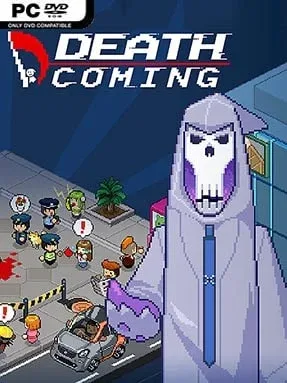
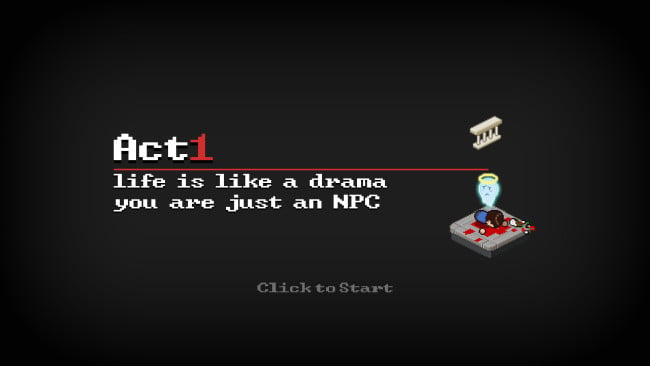
Screenshots

Installation
- Click the download button on this page to open UploadHaven, wait for the countdown, and click Free Download.
- Use 7-Zip or a similar tool to extract the downloaded archive to a folder of your choice.
- Open the extracted folder and double-click the game executable to start playing.
- If you see missing DLL errors, navigate to the _Redist or _CommonRedist folder and install DirectX, Vcredist, and other included dependencies.
System Requirements
- OS: Windows Vista, Windows 7, Windows 10
- Memory: 4 GB RAM
- Storage: 500 MB available space
Setup Guide & Troubleshooting
Is Death Coming completely free?
Yes, Death Coming (v1.1.714) is available as a free download on our site. The file size is 220.32 MB, and it is pre-installed for PC.
How do I install Death Coming?
Download the archive from UploadHaven, extract it using 7-Zip or similar software, then run the game executable. If you encounter missing DLL errors, install the dependencies from the _Redist folder.
What are the system requirements for Death Coming?
The game requires Windows Vista, 7, or 10, 4 GB RAM, and 500 MB of free storage space.
Is Death Coming safe to download?
We downloaded and tested the game from UploadHaven, and it worked without issues. However, always keep your antivirus enabled and scan downloaded files before running them.
Does Death Coming support iOS?
The metadata lists Windows / iOS, but the download we tested is for PC. For iOS, you would need to check the App Store separately.
Need more help? Browse our FAQ & Troubleshooting Guide for solutions to common issues.