
Game Overview
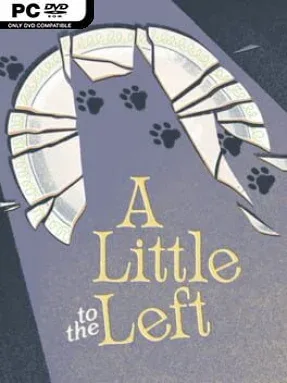
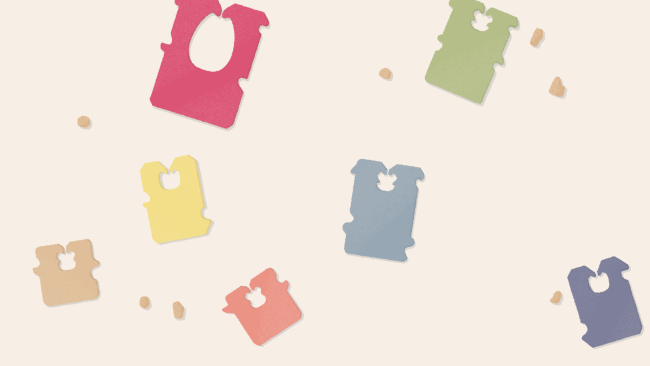
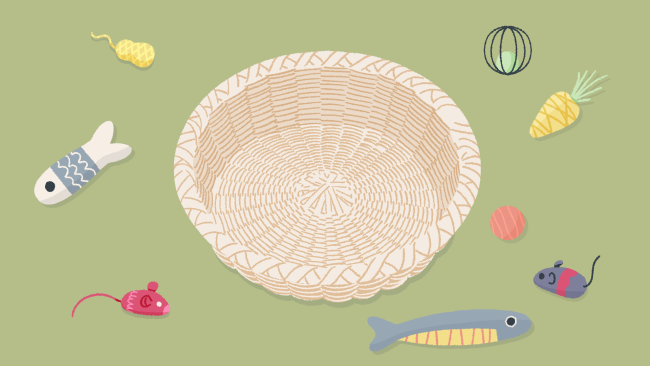
Order emerges from the smallest domestic messes in this gentle, hand-drawn puzzle experience. A Little to the Left turns cluttered drawers, crooked picture frames, scattered stationery, food labels, and other familiar objects into tactile little brainteasers. Its mood is calm rather than demanding, though a mischievous cat regularly interrupts your carefully arranged work by knocking items out of place. The result feels like a cozy blend of visual observation, light logic, and the simple pleasure of seeing everything click neatly into position.
Most puzzles ask you to drag, stack, rotate, sort, or align objects according to patterns that are rarely spelled out directly. You might organize items by size, color, shape, symmetry, hidden relationships, or the practical way they fit into a household space, then test your idea against the game’s satisfying final arrangement. Many stages support more than one correct answer, which keeps experimentation from becoming frustrating and makes the puzzles feel more intuitive than rigid. With over 75 compact challenges, a hint system for stubborn moments, and Daily Tidy Delivery offering a fresh puzzle variation each day, it works equally well as a short break game or a relaxed evening ritual.
Its strongest feature is how much personality it finds in ordinary objects: a sticker-covered fruit bowl or a set of clock hands can become a clever visual joke without losing clarity. The clean illustrations and soft sound design make every solved arrangement feel pleasingly physical, while the cat adds just enough playful chaos to stop the tidiness becoming sterile. Difficulty generally comes from noticing the designer’s logic rather than mastering complex controls, so newcomers can enjoy it immediately while experienced puzzle fans can chase alternate solutions and subtler patterns. Anyone who enjoys the low-pressure satisfaction of Unpacking, the observational puzzles of Hidden Folks, or simply organizing a messy desk will find A Little to the Left especially easy to recommend.
Installation
- Click the green button below to be redirected to UploadHaven.
- Wait 15 seconds, then hit “Free Download.” (Free downloads may be slower — upgrade to UploadHaven Pro for faster speeds.)
- Once downloaded, right-click the .zip file and choose “Extract to A Little to the Left.” (You’ll need 7-Zip for this.)
- Open the extracted folder and run the game as administrator.
- Enjoy! 🎮 If you see missing DLL errors, check the <strong>_Redist</strong> folder inside and install what’s needed.
System Requirements
- OS: Windows 7 (SP1+) and Windows 10
- Processor: 1.8 GHz or faster processor
- Memory: 512 MB RAM
- Graphics: Direct X 9.0c compatible video card
- DirectX: Version 9.0c
- Storage: 1 GB available space
- Sound Card: Any
Setup Guide & Troubleshooting
How do I fix missing DLL errors for A Little to the Left (v3.6.0 & ALL DLC)?
After extracting A Little to the Left (v3.6.0 & ALL DLC), navigate to the _Redist or _CommonRedist folder inside the game directory and install DirectX, Vcredist, and any other dependencies included.
What should I do if the downloaded file is corrupted?
The full archive is 2.94 GB — make sure your download completed fully before extracting. Use 7-Zip to extract the files. If you still see a "file corrupted" error, re-download and try again.
Why should I run the game as administrator?
Right-click the game executable and select "Run as Administrator" to avoid save file issues and permission errors. This is especially important on the first launch.
How do I update my GPU drivers for this game?
A Little to the Left (v3.6.0 & ALL DLC) requires a Direct X 9.0c compatible video card or equivalent. Update your NVIDIA or AMD drivers to the latest version for the best performance.
The game won't launch — what should I try?
This game requires Version 9.0c. Try running in compatibility mode, install the latest DirectX runtime, or install the All-in-One VC Redist Package.
My antivirus is blocking the game — is it safe?
Antivirus false positives are common with pre-installed games. Temporarily pause your antivirus during extraction to prevent it from quarantining game files. You can re-enable it after the extraction completes.